Journal
Vertical Video Ads: Plan the Frame Before Cropping
Shoot vertical video ads with clear product action, usable text space and intentional pacing. Test platform previews before relying on a center crop.
Refsee ·
A vertical video ad is not simply a horizontal film with its sides removed. The narrow frame changes body scale, product placement and the relationship between text and action. Begin with the destination, the message and the physical action that makes the product understandable.
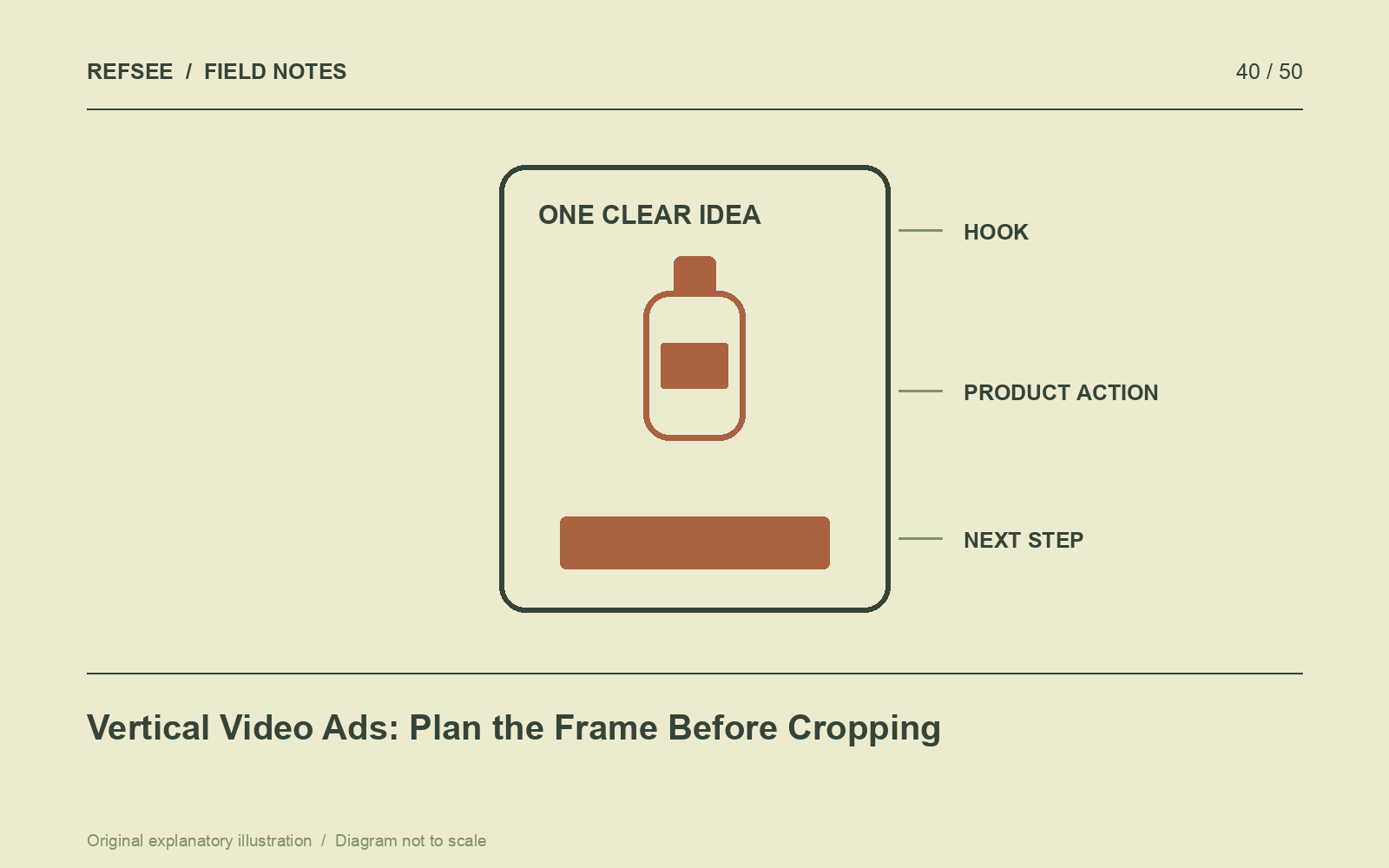
Make the first image specific
Open with a recognizable problem, result or action. “A bag opens with one hand while the other carries groceries” communicates a use case more clearly than a sequence of abstract close-ups. The opening should earn attention through relevance, not a claim the rest of the film cannot support.
Write the central message in one sentence. If the ad has to explain several unrelated benefits, choose a primary one and let the others become separate versions or supporting details.
Compose for the narrow space
Use height intentionally. Hands can enter from below, a product can occupy the center while a face remains above, or an action can move through stacked planes. Check that important gestures do not leave the frame.
Leave space for on-screen text and platform interface elements, but verify the current placement requirements rather than treating one safe-area template as permanent. Preview the actual export in the intended environment when possible.
Demonstrate before decorating
Plan a clear shot of the product doing the thing the message promises. Keep the action readable at normal viewing speed. A fast edit should not hide the mechanism that makes the offer understandable.
Capture a clean start and finish for each action. Those handles help create alternate openings and shorter versions without cutting in the middle of a confusing gesture. Record close detail only after the main demonstration is secure.
Design for sound-on and sound-off viewing
Use captions for meaningful speech and concise text for essential information. Avoid duplicating a long spoken script as dense on-screen copy. Check readability on a real phone and allow enough time to process both the words and the demonstration.
End with one clear next step that matches the destination. Measure performance against a stated objective, such as qualified visits or completed purchases, rather than assuming that more views always mean a better ad. Keep version names and creative changes documented so results can inform the next shoot.