Journal
Accessible Video: Captions, Contrast and Readable Visual Information
Make video easier to understand with accurate captions, readable text, sufficient contrast and alternatives for important information conveyed only visually.
Refsee ·
Accessible video helps more people understand the content across hearing, vision, language and viewing conditions. It also improves everyday use when a viewer has sound off or watches on a small screen. Start with the information the audience must receive, then check whether any essential part depends on only one sensory channel.
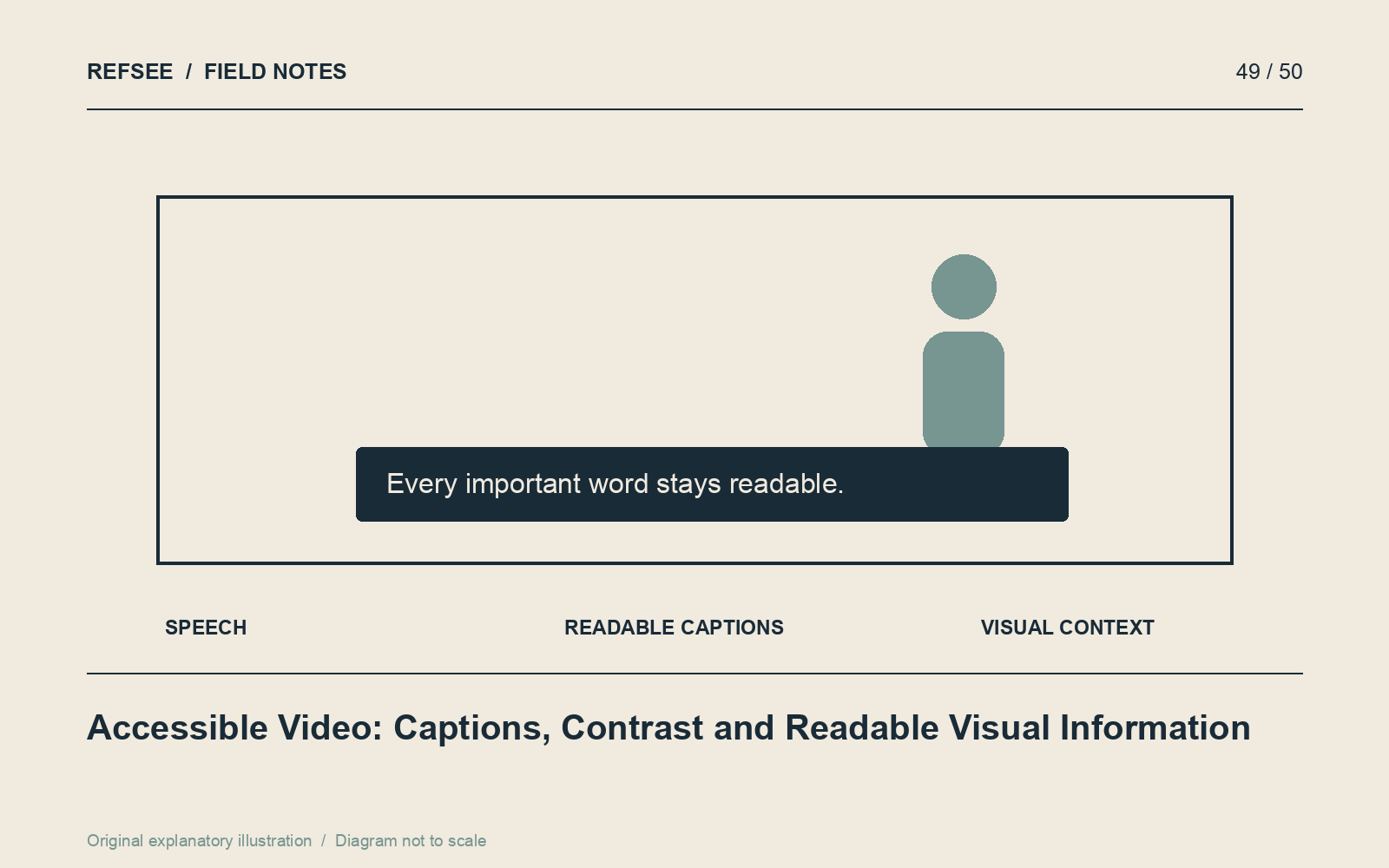
Make captions accurate and useful
Review automated captions against the audio. Correct names, technical terms, punctuation and timing. Include meaningful non-speech information, such as an alarm or relevant laughter, when it affects understanding. Identify speakers when the image and context do not make the change clear.
Break lines into readable phrases and avoid covering faces, demonstrations or important on-screen text. Use a player caption track when the delivery supports it, and choose burned-in captions deliberately when needed for a particular placement. A transcript provides an additional useful way to access and search the content.
Test text at realistic size
Check the exported video on a phone, not only in the editing interface. Use a type size and weight that survive compression. Give the viewer enough time to read without pausing, especially when the image simultaneously demonstrates an action.
For ordinary text, WCAG's commonly used contrast threshold is 4.5:1, with 3:1 for qualifying large text. Moving imagery complicates measurement because the background changes. Use a stable backing, shadow or placement strategy and check the entire duration rather than a single favorable frame.
Do not rely on color alone
If a diagram distinguishes options by red and green, add labels, shapes or patterns. If a product step is shown only by a small visual change, explain it in speech, captions or accompanying text. Meaning should survive when a color distinction is difficult to perceive.
For content whose essential meaning is visual, consider audio description or an equivalent descriptive alternative appropriate to the format. A silent demonstration may need more than a transcript of its empty audio track.
Check motion and playback controls
Avoid unnecessary flashing and rapid visual changes that make content difficult to follow. For embedded video, use a player with accessible controls and keyboard operation. Do not assume a visually minimal player is accessible simply because it has fewer buttons.
Use the W3C's Making Audio and Video Media Accessible guidance to plan the deliverables. Accessibility is most efficient when it is part of scripting and design, rather than a subtitle file added after every decision is fixed.