Journal
Consistent AI Storyboards: Keep Characters, Space and Light Aligned
Improve AI storyboard consistency with a character sheet, scene rules, fixed wardrobe and shot-by-shot checks for identity, geography and continuity.
Refsee ·
AI storyboard images can communicate a concept quickly, but each generated frame may reinterpret the character, room or lighting. Consistency improves when you define the stable elements separately from the shot-specific instructions. Treat the storyboard as a sequence with continuity requirements, not a collection of independent illustrations.
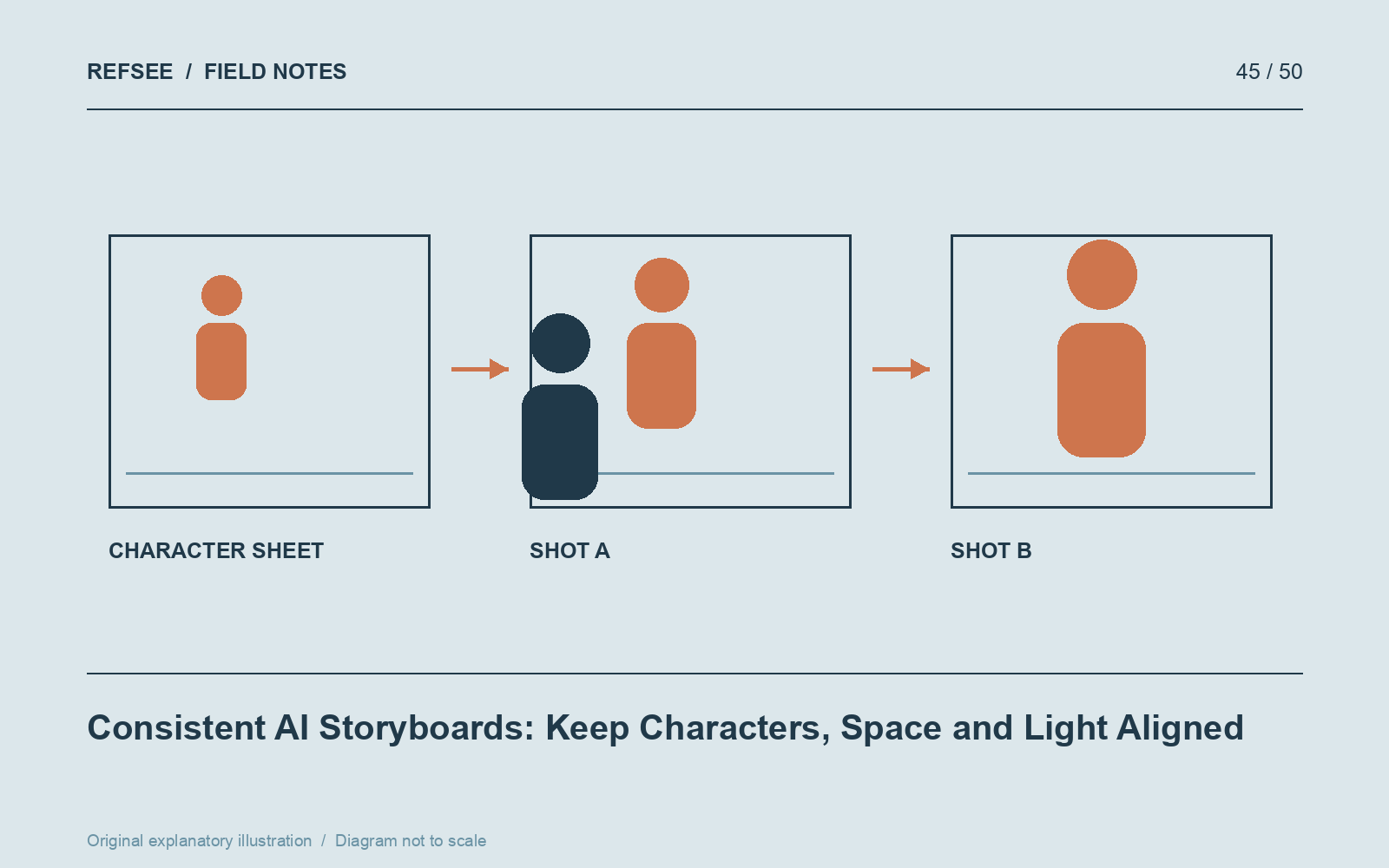
Create a compact scene specification
Write the character's visible traits, wardrobe, important props and the room's layout. Keep the description concise enough to reuse accurately. Add a simple floor plan that identifies doors, windows and the camera side of the action.
Create or select a reference sheet for the character where the tool supports reference inputs. Use consistent, authorized source material. Reference features can improve continuity, but they do not guarantee identical faces, clothing or proportions across every generation.
Separate constants from variables
Keep identity, wardrobe and location details stable in each prompt. Change only the action, shot scale and camera position needed for that panel. If you rewrite the entire scene in different language every time, the tool has more opportunities to reinterpret it.
Describe important geography explicitly: “window on the character's left,” “door behind the desk,” or “cup in the right hand.” Check the rendered result rather than assuming the instruction was followed.
Generate anchor frames first
Start with the establishing shot and one clear medium view of the character. Resolve major design choices there before producing every close-up. Use the accepted anchors as references where the tool allows it.
If a later frame drifts, correct that frame or simplify its demands. Generating additional inconsistent panels usually increases cleanup work. A rough but coherent storyboard is more useful than polished images that imply different sets and performers.
Review the sequence as a continuity pass
Place all panels together and inspect face, hair, wardrobe, prop hand, eyeline, screen direction and light direction. Label intentional changes. Mark unresolved variations clearly so the production team does not mistake a generation artifact for a creative decision.
Add conventional shot notes below the images: action, camera movement and approximate duration. Keep the AI origin clear in a treatment or planning document. The images are a way to discuss the proposed film, while the continuity notes make that discussion reliable enough to guide further development.