Journal
Image-to-Video Prompts: Separate Camera Motion from Subject Action
Plan image-to-video generation with one clear action, restrained camera movement and frame-by-frame checks for product, identity and spatial consistency.
Refsee ·
Image-to-video generation begins with a still image and asks a model to invent what happens over time. The source frame strongly influences the result, but it does not specify hidden surfaces, future motion or physical behavior. A clear motion brief reduces the number of competing things the model must infer.
Start with a source image that can move
Choose an image with a readable subject, coherent geometry and enough surrounding space for the action. A hand already cropped at the edge may be difficult to animate convincingly. A complex reflection or ambiguous object can become less stable once motion begins.
Inspect the still at full size before generating. Fix or replace obvious artifacts rather than expecting animation to repair them. If the clip is for a real product, compare shape, label and proportions with the approved reference.
Describe subject and camera separately
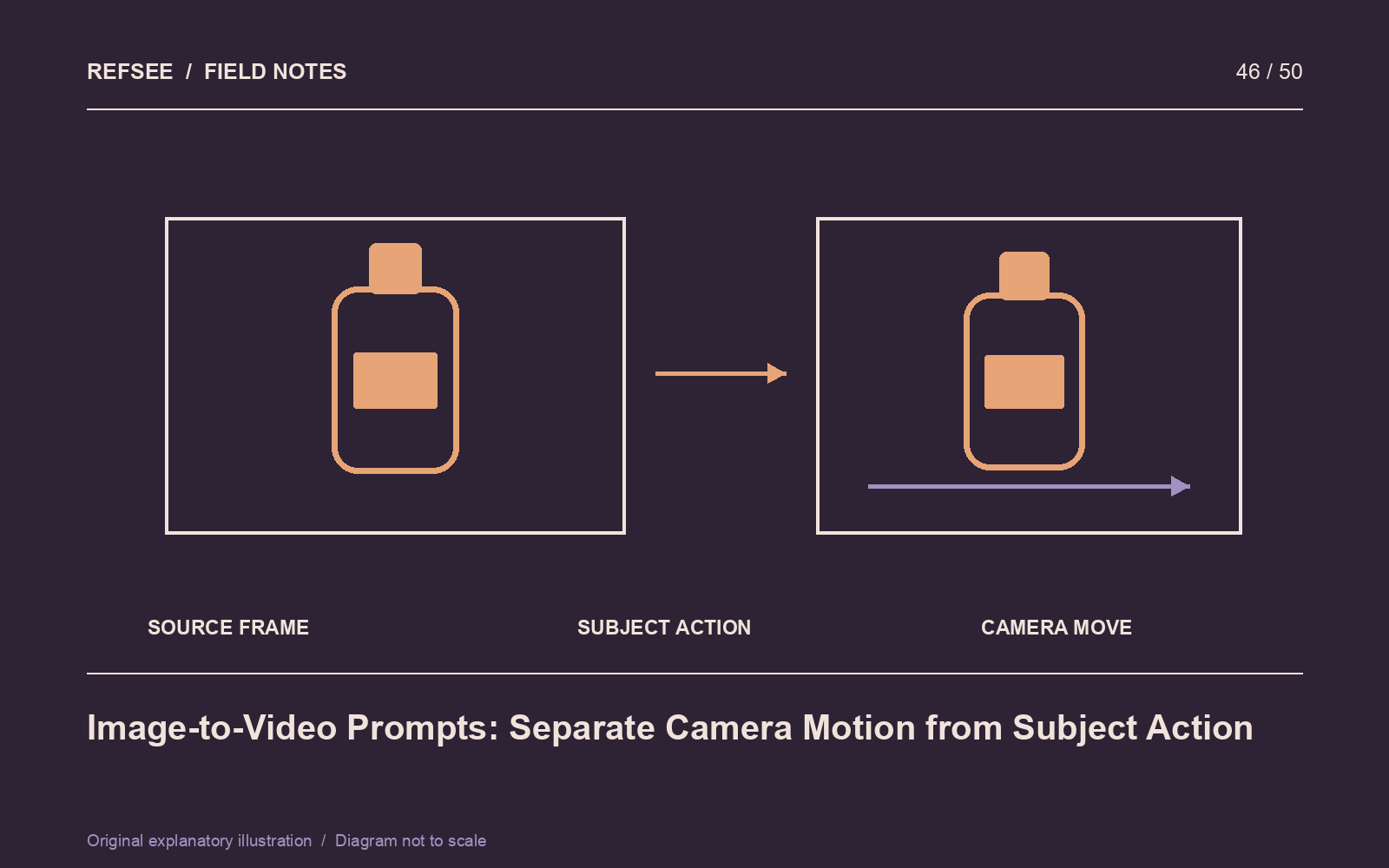
Specify one principal subject action, then one camera behavior if needed. For example: “The fabric lifts gently in a light breeze; the camera remains locked.” Or: “The bottle remains stationary; the camera makes a slow, short lateral move.”
Avoid asking for several actions, a large orbit, a zoom and a lighting transformation in one short clip. Complex combinations can work in some tools, but they are harder to diagnose when the result fails.
Preserve the important invariants
State what should remain stable: product geometry, clothing, face, background layout or light direction. Tool support and compliance vary, so these instructions are intentions rather than guarantees. Keep the motion modest when identity or packaging accuracy is the priority.
Generate a short test and compare alternative motion descriptions. Save the source image, prompt and available settings together. A reproducible record is more useful than naming the result “final-final-two.”
Review across time
Watch at normal speed, then inspect representative frames and the transitions between them. Look for changing text, drifting facial features, bending rigid objects, inconsistent shadows and objects that appear or disappear.
Choose an edit point before the clip deteriorates if the usable section meets the brief, but do not conceal a material product misrepresentation in a commercial demonstration. Treat speculative or generated actions as such. The strongest image-to-video result often uses a small, well-controlled movement that reinforces the original image instead of replacing its logic.