Journal
How to Storyboard a Scene Without Advanced Drawing Skills
Storyboard a scene with simple shapes, clear camera positions and movement arrows. Learn which information every panel needs to communicate.
Refsee ·
A storyboard is a sequence of images that previews how a scene will unfold on screen. You do not need polished illustration to make one useful. You need readable screen direction, recognizable subjects and a clear distinction between action inside the frame and movement of the camera.
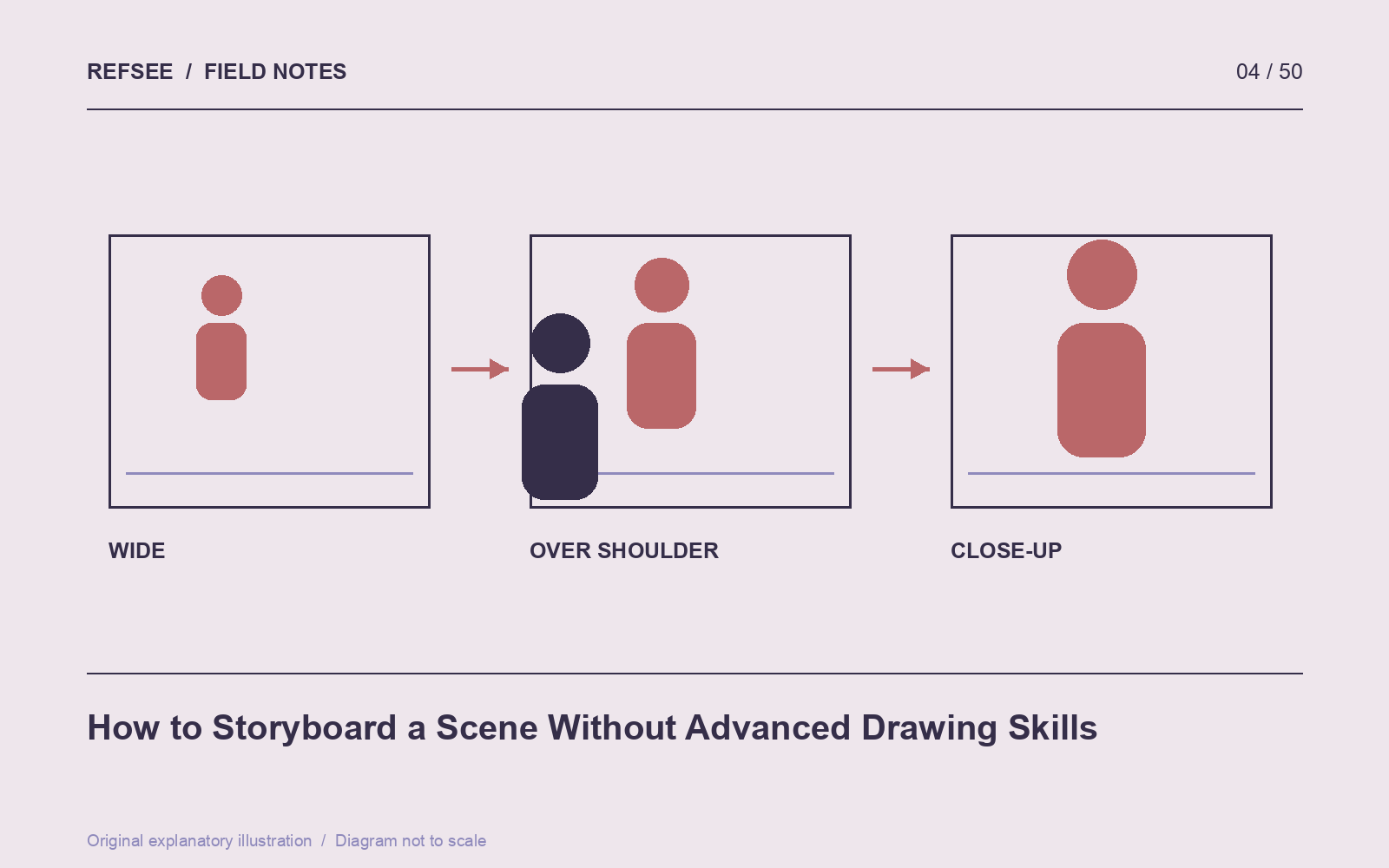
Establish the geography first
Draw a simple top-down map of the location. Mark the door, important furniture and the positions of the characters. Then choose which side of the action the camera will occupy. This map is your reference when a later panel becomes spatially confusing.
For a scene where someone enters, hands over an object and leaves, begin with a wide panel that shows the route. Use circles for heads and rectangles for bodies. Label a crucial prop rather than trying to render it beautifully.
Make every panel describe one moment
Put the shot number, shot size and a short action note below the frame. “Mara notices the unopened envelope” is more helpful than “dramatic close-up.” If the shot has a substantial beginning and end, draw two panels and give them the same shot number with A and B suffixes.
Use arrows consistently. One convention could be solid arrows for subject movement and dashed arrows for camera movement. Add a small key to the document. An arrow has no universal meaning if the rest of the crew has to guess what you intended.
Check continuity between panels
Place neighboring panels side by side and compare eyelines, hand positions and movement direction. A person moving left to right should not suddenly appear to reverse direction unless the scene establishes the change. Track objects as carefully as faces: a cup that switches hands may complicate the edit.
Read the sequence without dialogue. If the main action is impossible to follow, add a geographic or action panel rather than an explanatory paragraph. The pictures should carry the basic chain of events.
Use reference images selectively
Photographs, rough phone pictures and simple 3D screenshots can replace drawings. Keep their visual style consistent enough that collaborators can focus on the shots. Label them as planning references, especially if they show locations or performers that are not part of the production.
Finish by timing a rough slideshow of the panels. This simple animatic often reveals that an action needs more time, an insert is missing, or three nearly identical shots can become one stronger setup.