Journal
Montage Editing: Build Progression Instead of a Highlight Pile
Edit a montage around a change in time, skill, mood or circumstances, using shot roles and rhythm to make the sequence develop toward an outcome.
Refsee ·
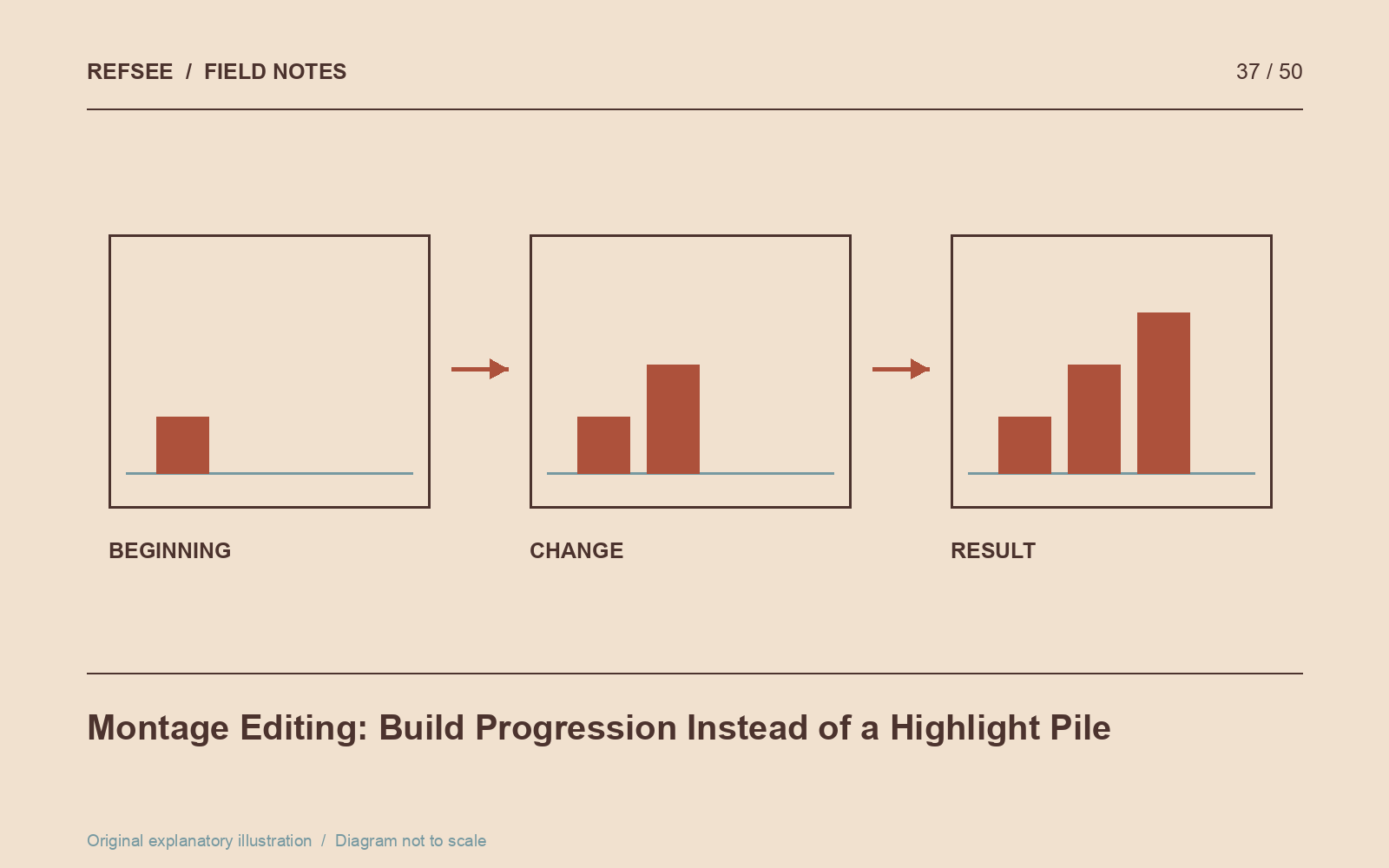
A montage compresses a larger process into a shorter sequence. It can show training, travel, preparation, decline or the accumulation of small events. What makes it coherent is a visible direction of change. Without that direction, even strong images can feel like an unrelated highlight reel.
Define the before and after
Write what is different at the end. A person becomes more skilled, a room is transformed, a relationship grows distant or a journey reaches a new environment. Select images that make that change observable.
For a training sequence, early hesitation and later control may matter more than a succession of impressive exercises. For a renovation, show the same spatial landmark at different stages so the viewer can compare progress.
Give each shot a role
Sort footage into orientation, action, detail, reaction and transition. You do not need equal numbers of each. The categories help identify whether the sequence has too many details and too little context, or plenty of action but no evidence of its effect.
Use repeated motifs carefully. Returning to the same gesture or camera position can reveal change more clearly than introducing a new angle every time. Repetition becomes useful when the repeated image means something different later.
Shape the rhythm in sections
An effective montage does not have to accelerate continuously. It may begin slowly, gather momentum, pause at a setback and resume with a changed rhythm. Let duration reflect the process rather than automatically shortening every successive shot.
Music can support the structure, but edit once with the track muted. Does the sequence still communicate progress? If the meaning disappears without the song, the visual selection may need a clearer cause-and-effect relationship.
Earn the ending
Choose an ending that resolves or complicates the sequence's initial condition. A completed object, an exhausted pause or a repeated action performed differently can provide a specific destination. A random beautiful landscape often feels like the editor simply ran out of clips.
Watch the montage with someone unfamiliar with the footage and ask what changed. Their answer is more useful than whether they found it “cinematic.” Refine the sequence until the intended progression is legible without a paragraph of explanation beside it.