Journal
Organize a Visual Reference Library You Can Actually Search
Build a searchable reference library with purposeful tags, source links, timestamps and project collections that keep useful images easy to retrieve.
Refsee ·
A visual reference library becomes useful when you can retrieve an image for a specific decision. Saving thousands of frames is easy; remembering which one showed a low camera beneath a glass table is harder. Organize references around visible qualities and intended uses rather than relying only on creator names or broad genres.
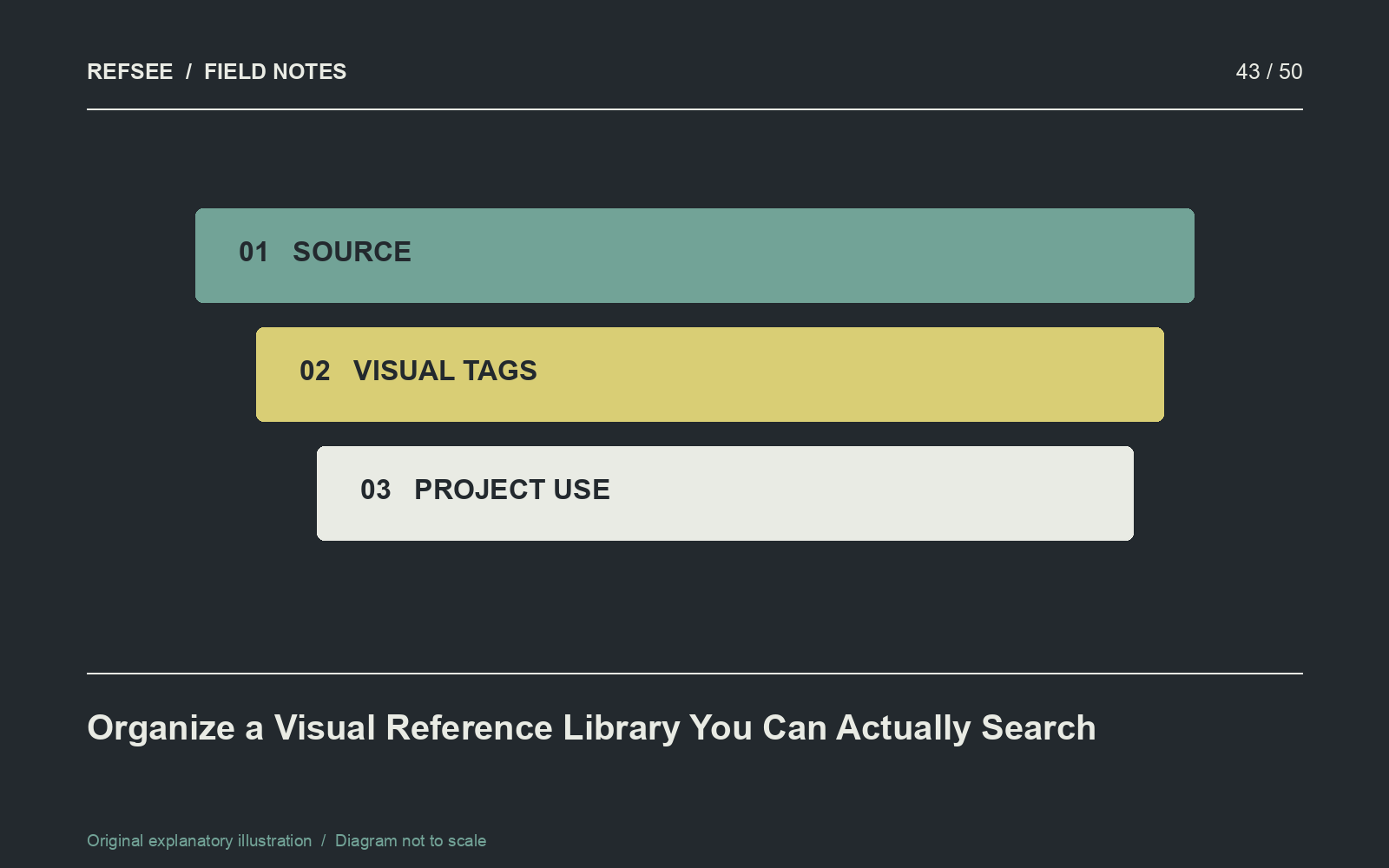
Keep source and interpretation separate
Record the original URL, creator or publication when known, and a timestamp for moving footage. Then add your own note about why the reference matters. “Soft top light on reflective packaging” is interpretation; the source title is provenance. Both are useful, but they answer different questions.
Do not invent missing credits. Mark uncertain information so it can be verified later. A saved screenshot without a source becomes harder to use responsibly and harder to revisit in context.
Use a small set of consistent tag families
Start with subject, shot scale, camera angle, lighting, color, movement and material. A single image may be “portrait,” “close-up,” “low angle,” “side light” and “glass reflection.” Use a few descriptive tags rather than every adjective that comes to mind.
Choose one spelling for common terms and merge synonyms periodically. “Backlight” and “back lit” should not become separate islands unless there is a deliberate distinction. Keep emotional tags as a secondary layer because people interpret them differently.
Separate the archive from project boards
The archive can be broad. A project moodboard should be selective and annotated for a particular brief. Copy or link useful references into the project collection without assuming that every archived image belongs in a presentation.
In Refsee, use visual search to explore related imagery and moodboards to group references around a working direction. Write notes outside the image itself when the lesson would otherwise be ambiguous.
Test retrieval with real questions
Try finding a warm interior with a cool window, a moving close-up of fabric, or a wide shot with a small isolated figure. If retrieval depends on remembering exactly when you saved the image, the organization needs improvement.
Schedule occasional cleanup to merge duplicate tags and repair important source links. Keep a small “best examples” collection for recurring production decisions. A reference library should shorten the path from a creative question to a useful visual answer, not become another place to browse indefinitely.